
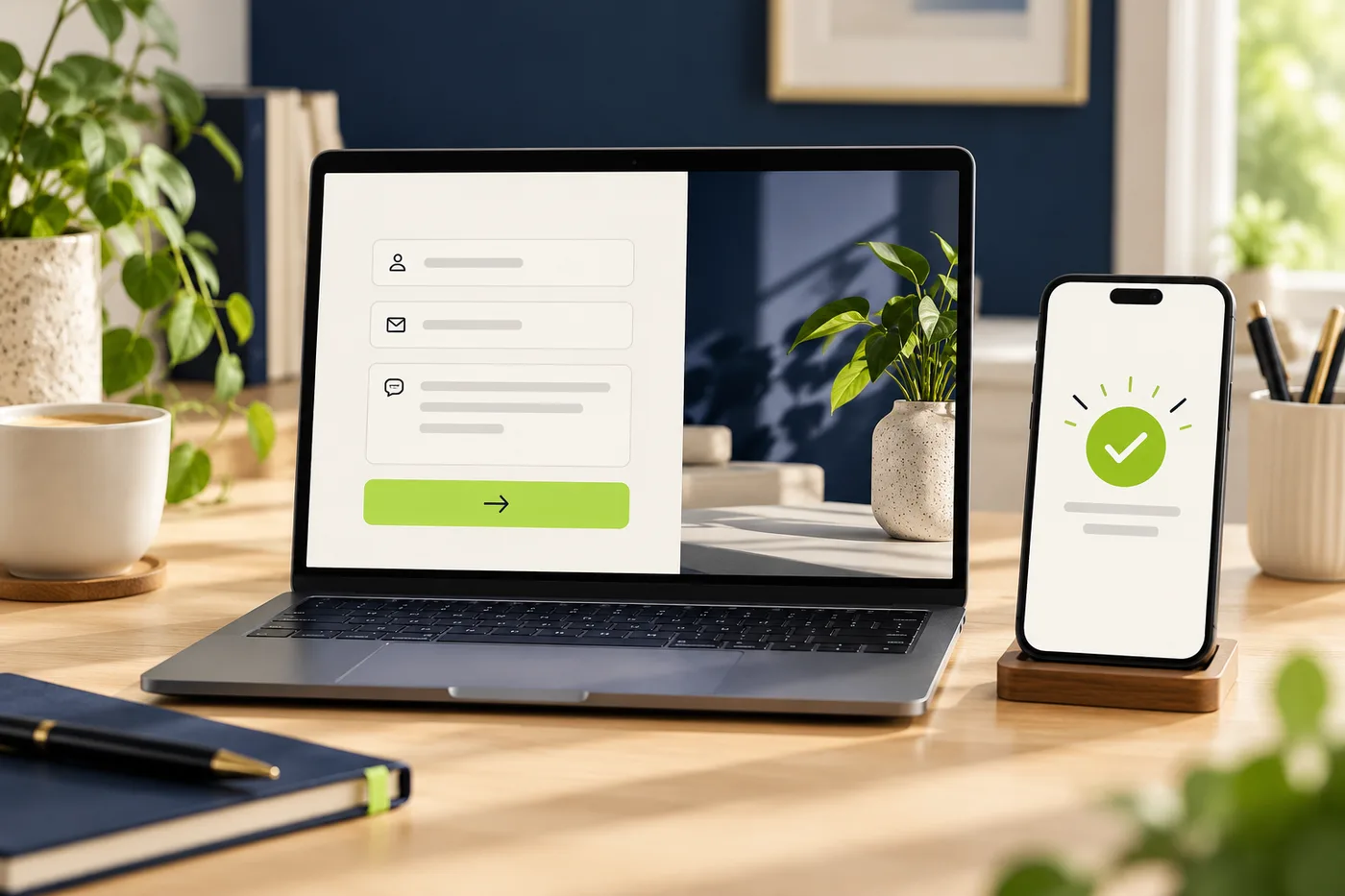
A contact form is often the moment when interest becomes a conversation. The form should collect enough information for a useful reply while respecting the visitor’s time and privacy.
Ask only what changes the response
Name, reply address, and a short description may be enough to begin. Add project type or budget only when the answers change how the enquiry is handled. Make optional fields genuinely optional and explain why a sensitive question is included.
Make every field understandable
Use visible labels, clear examples, and plain-language error messages. Keep keyboard focus visible and make the form usable on a phone. Do not use placeholder text as the only label because it disappears during entry and can be hard to read.
Set expectations clearly
Tell the visitor what happens after submitting and how their information will be used. Link to a privacy notice that matches the actual process. Do not promise a response time unless the team can reliably meet it.
Confirm success and handle failure
After submission, show a clear confirmation and provide another contact option. On the business side, test delivery to the real inbox, check spam handling, and make failures visible. A success message alone does not prove the message arrived.
Reduce spam without blocking real people
Use layered, proportionate protections such as server-side validation and a honeypot. Keep the form responsive and avoid challenges that create unnecessary barriers for genuine visitors. Monitor spam and adjust carefully.
Review the form as the service evolves
Remove questions you no longer use and make sure the team knows who owns enquiries. A shorter form is not automatically better if it prevents a meaningful reply, but every field should earn its place.
See our contact page to start a project conversation with AJ Software Solution.
This guide is general information. Make decisions based on your own needs, data, and operating requirements.