
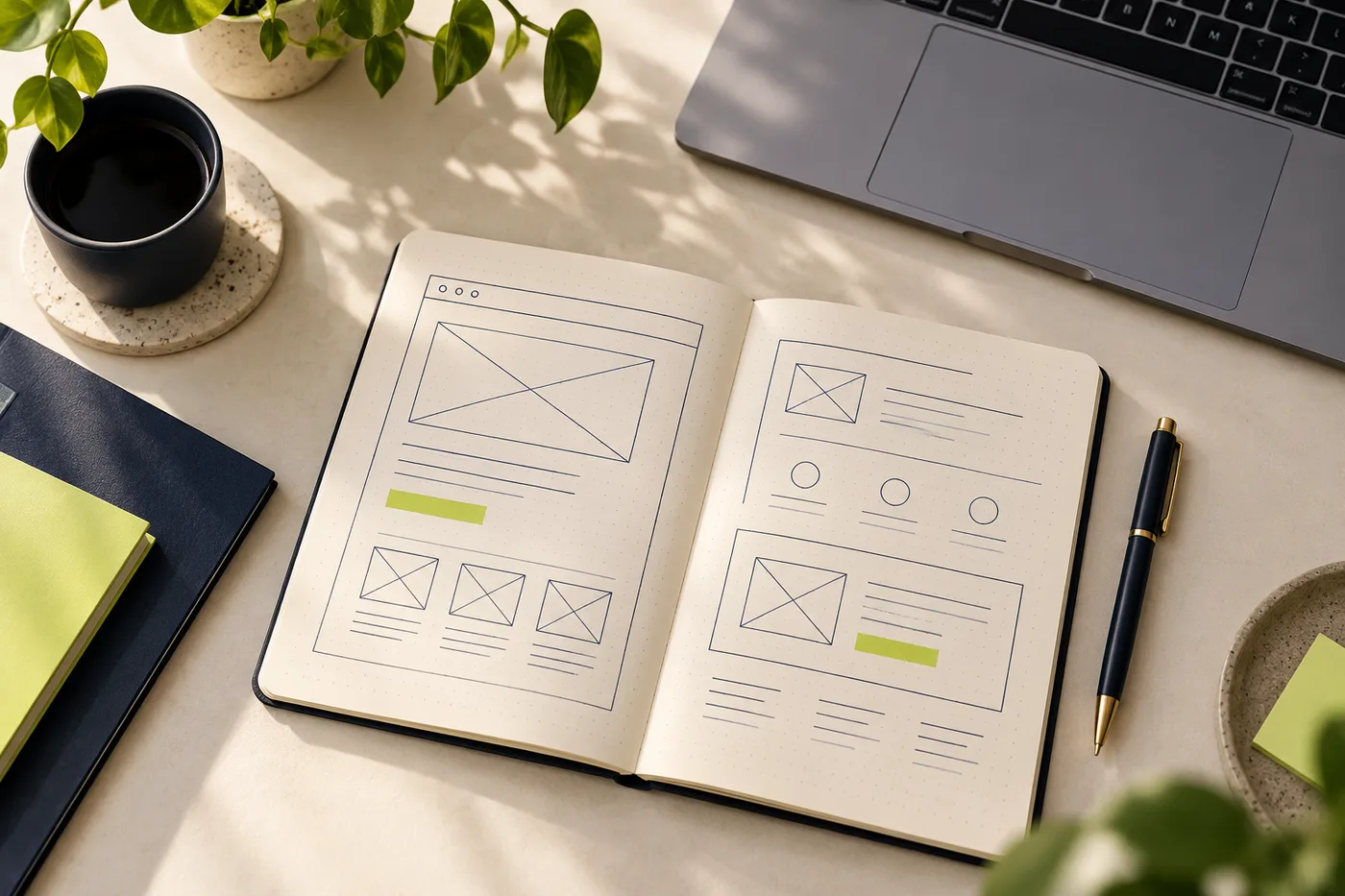
A business website is more than a digital brochure: it should help the right visitor understand your offer and decide what to do next. Planning does not need a large document. A few honest answers can prevent weeks of rework and a site full of features nobody uses.
1. Choose the main outcome
Write one sentence describing the action a visitor should take: request a quote, book a consultation, browse products, or learn about a service. Several actions can be supported, but make the primary one easy to find. This gives the homepage and calls to action a shared direction.
2. Describe the people you want to reach
List the questions potential customers ask before choosing a provider. What problem are they solving? What information would help them decide? Use those questions to shape page headings. Avoid broad claims unless you can support them with specifics.
3. Plan only the pages you need
Start with Home, Services or Products, About, Contact, and supporting pages that answer important questions. Give each page a distinct job. Combine pages that repeat the same information or clarify their purpose.
4. Gather accurate content
Prepare service descriptions, process details, FAQs, contact methods, and original examples. Check claims, testimonials, and image permissions before publication. Label concept work honestly. Specific information builds more trust than keyword-heavy filler.
5. Decide which features are essential
Separate must-haves from later ideas. Forms, booking flows, account areas, and payment integrations add privacy, security, testing, and maintenance needs. Ask what data each feature needs, who will manage it, and what happens when it fails.
6. Agree on ownership and upkeep
Clarify who owns the domain, hosting, source files, text, images, and third-party subscriptions. Decide who updates content, reviews enquiries, renews services, and arranges backups.
7. Plan launch checks
Check mobile layouts, keyboard access, page titles, descriptions, canonical URLs, redirects, forms, and sitemap availability. Confirm HTTPS and crawl access. A short checklist catches avoidable issues before launch.
Turn the brief into a next step
A one-page brief with the goal, audience, core pages, content owner, must-have features, and success measure is enough to begin. See our website design service and project process, or contact AJ Software Solution.
This guide is general information. Choose tools and processes based on your own requirements and operating needs.